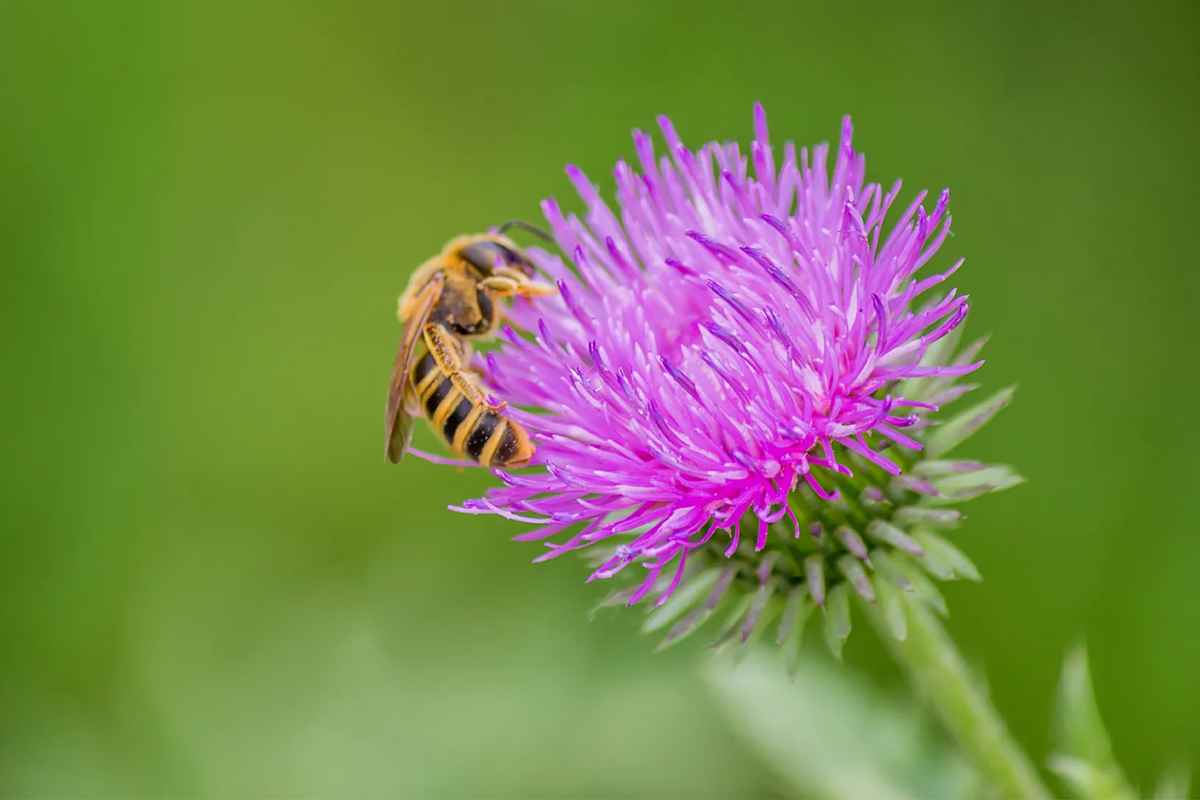
As concerns about declining pollinator populations continue to grow, many people are seeking ways to support these essential creatures in their own gardens and landscapes.
One of the most effective ways to do so is by planting native plants that attract and sustain pollinators. Native plants have evolved alongside local pollinators, making them well-suited to provide the necessary food and habitat for these crucial insects and animals.
Here, we explore some of the best…